

Issue
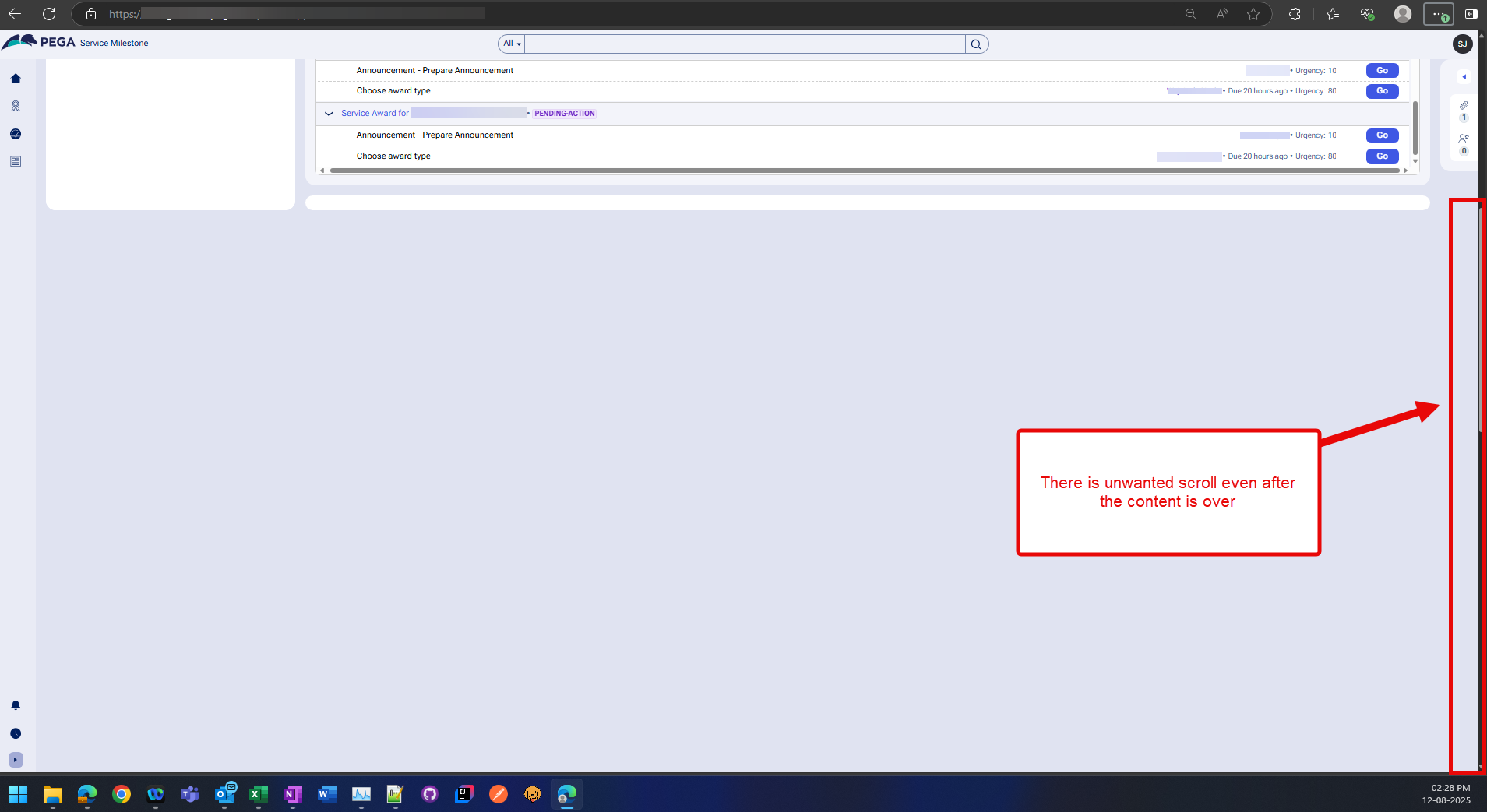
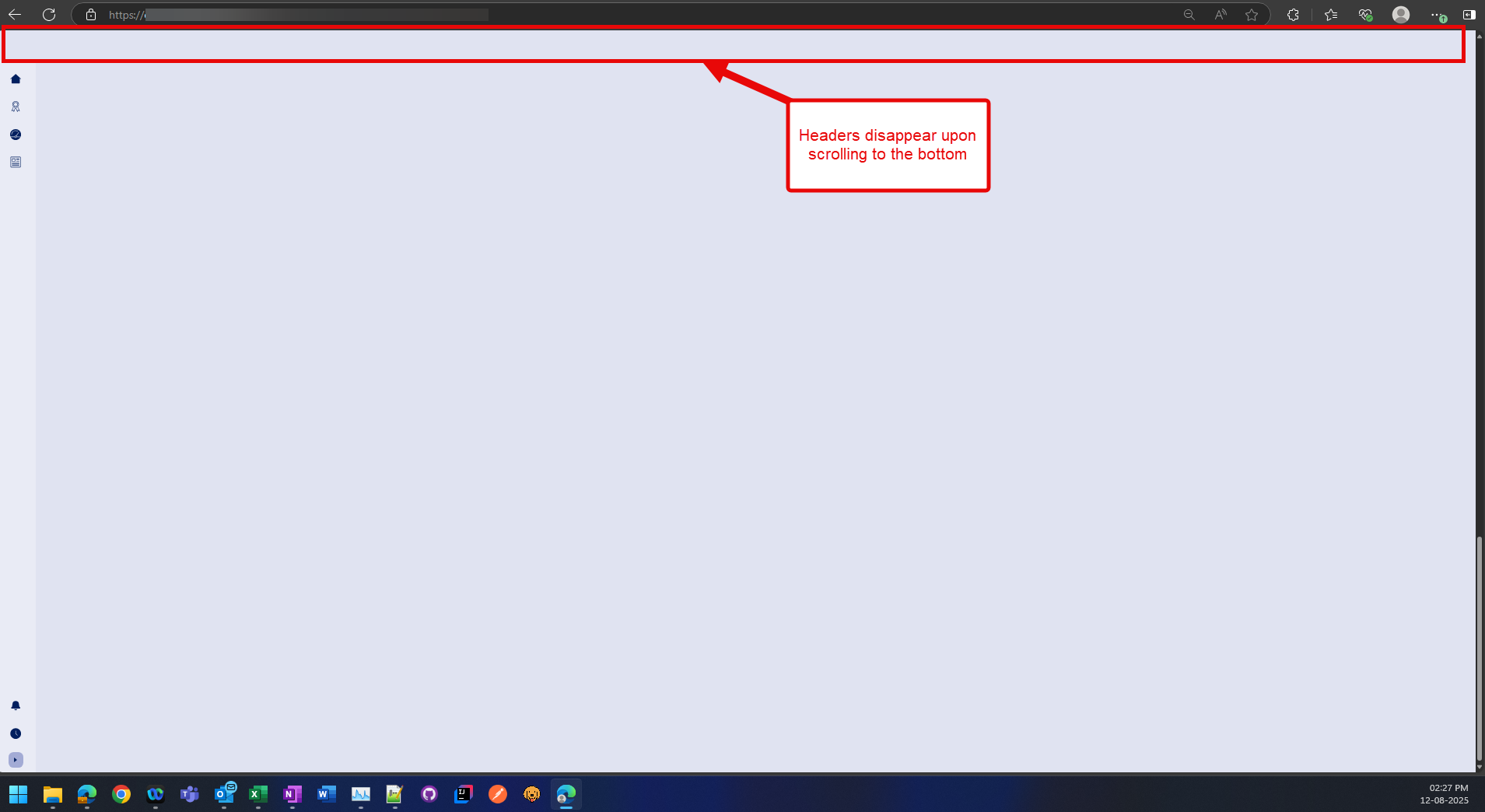
Cases with 50 or more assignments were displaying excessive blank space under the case work area when all assignments were expanded in Pega Constellation.
Symptoms and Impact
Cases with 50 or more assignments were displaying excessive blank space under the case work area when all assignments were expanded in Constellation.
Steps to reproduce
-
Login into the Constellation application.
-
Open the Dashboard from the left side panel.
-
Open any case which contains more than 50 Assignments which are in an expanded state.
-
Expand the assignments.
-
Scroll to the bottom. Result: a large blank space can be seen.
Root Cause
This is a product defect. A table <span> library is set to position:absolute, causing display issues.
Solution
Install Pega Infinity™ ‘251.3 or Pega Infinity '26.1 where the issue is fixed.
The latest releases have overridden the style in the table component by optimizing the layout calculations to properly size the work area container regardless of assignment count.
For Pega Infinity '25.1.2 install HFIX-D721:
-
Update the DSS value to: ConstellationPegaStaticURL - https://release.constellation.pega.com/25.1.2-HFIX-20260326222121
-
Test this implementation in the lower environment first.