
How to preview an external SVG URL in Pega?
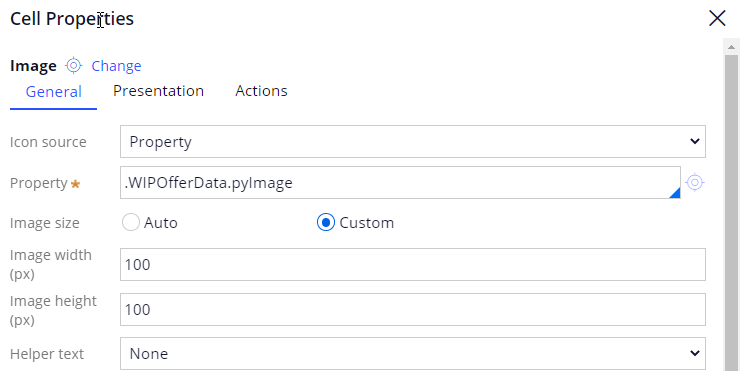
We are using a third-party file storage system like S3 to host our images and then, using a direct public URL we try to display those images using out-of-the-box Image control. It is working fine for other image types but for SVG images it fails to display.
I also tried an alternate approach by referencing an SVG URL using a custom control with <img>, <Embed>, and even with <iframe> tag but none of these tags worked.
Is there any other way to preview the external SVG image URL in Pega UI without uploading the image as a binary file into the Pega app?
Updated: 29 Jan 2022 15:43 EST

Infomatics Corp
US

Pegasystems Inc.
US
@Abhilash_K Sorry for replying late as I was on PTO last week. First of all, thank you for replying. In my case, the SVG image is saved in an S3 bucket and then it gets fetched to one of the clipboard properties which I am trying to refer to in an Image control.

https://academyartifacts.s3.amazonaws.com/Images/Test/Freesample.svg

Even using the above S3 URL directly in an Image control not working me. I believe it has something to do with S3 setting.
@gupts3 I am able to preview the svg Image by directly refering the src in image tag. Image tag is placed in control and control is referred in the section rule.
<img src="https://cdn.shopify.com/s/files/1/0496/1029/files/Freesample.svg?5153"> and other option i tried the OOTB control to include the Image URL