Issue
In Pega Platform™ '26.1.0 and earlier, the Urgency field displayed on Assignments in the Constellation UI cannot be hidden or removed through any supported configuration option.
Symptoms and impact
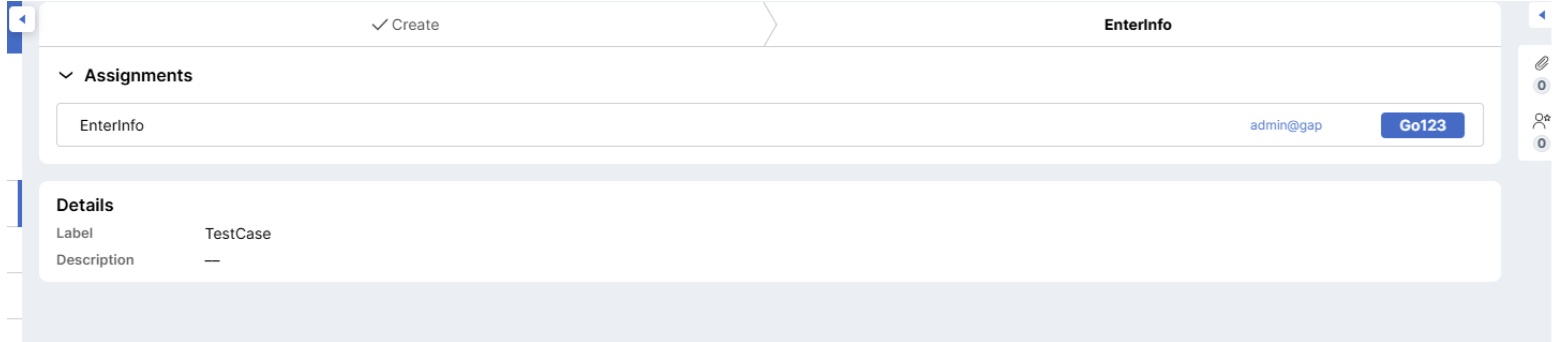
When a case is opened in a Constellation UI application, the Urgency value is visible on the Assignment header. There is no configuration parameter, view authoring option, or DSS setting that suppresses it. Applications intended for external users may unintentionally expose internal SLA or prioritization data.
Steps to reproduce
- Open a Pega Platform '26.1.0 (or earlier) application built on Constellation UI.
- Open any case that has an active Assignment.
- The Urgency value is displayed on the Assignment.
- Attempt to locate a configuration option to hide or remove the Urgency field in App Studio, Dev Studio View authoring, or flow action settings.
Actual Result: Urgency is always rendered on Assignment

Expected Result: Ability to hide/remove Urgency via configuration.

Root cause
The Urgency field is rendered as a fixed, non-configurable element of the Constellation UI assignment component. Its display is controlled at the platform level and is not exposed as a configurable property in versions up to Pega Platform '26.1.0.
Solution
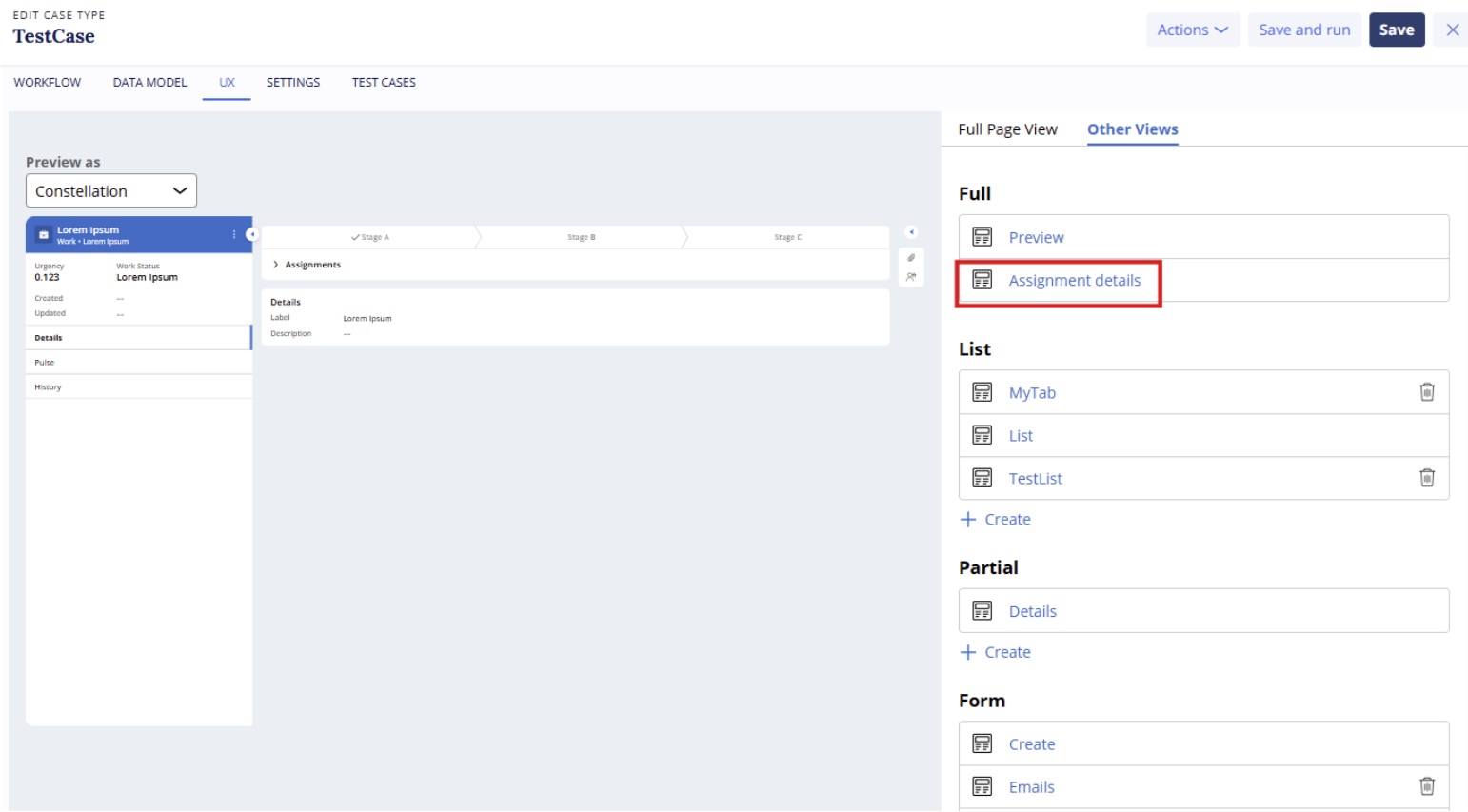
Pega Platform ‘26.1.1 introduces a configurable Assignment View, accessible from the Other Views tab of the Case Type in App Studio or Dev Studio. This View allows developers to:
- Remove the Urgency field from the Assignment display.
- Customize the button and other Assignment-level elements.
- To configure the Assignment View in Pega Platform '26.1.1 or later:
- Open the Case Type in App Studio or Dev Studio.
- Navigate to the Other Views tab.
- Select or create the Assignment View.
- Remove the Urgency field from the View layout.
- and publish the Case Type.