

File upload on the web
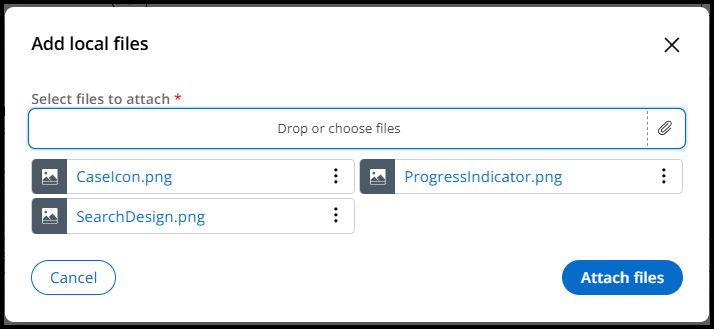
Users can add one or more attachments to a work object via the Add local files dialog launched from the Utilities panel. After activating the "Select files to attach" button and choosing the attachments to upload, files are listed below the button. Attaching at least one file is required for submitting the dialog, as is indicated by the asterisk adjacent to the upload field's label.
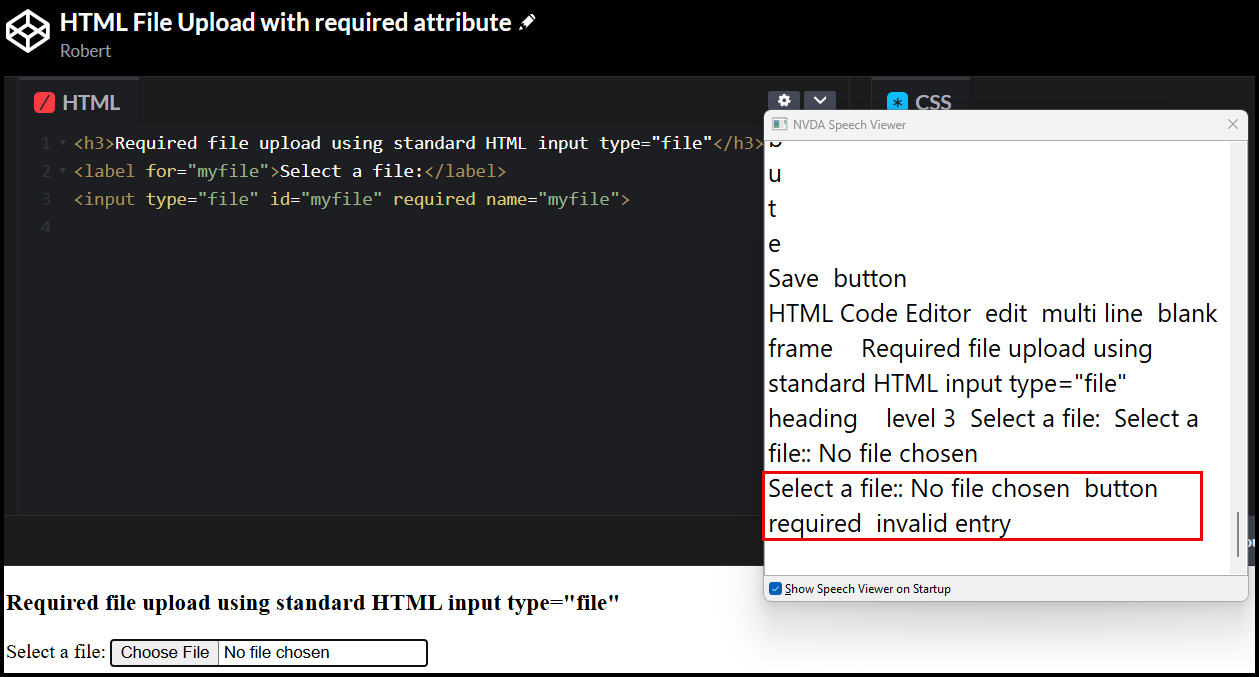
File upload on the web uses the type="file" attribute on an <input> tag to allow users to select files from device. While Constellation uses a button on the UI to indicate upload functionality, this is actually an input field with the type="file" attribute. To properly validate that the user has uploaded at least one file prior to submission, we initially made use of the "required" attribute on the input field.
The way screen readers interact with such fields containing this attribute is by announcing them as having an "invalid entry", even when it is the user's first time interacting with the field. The behavior can be seen in this simple example outside of Pega with screen readers like JAWS and NVDA.
Once the user has uploaded a file in the field, it then has a value and thus satisfies the required attribute.
The caveat to Pega's file upload
For security purposes, files attached in Constellation's Add local files dialog are not stored directly on the <input type="file"> field. Instead they are stored elsewhere in an array. This means that technically, the input field will never have a value and thus can never satisfy the required attribute. Screen reader users navigating to the upload button after attaching one or more files will still hear it announced as having an "invalid entry".
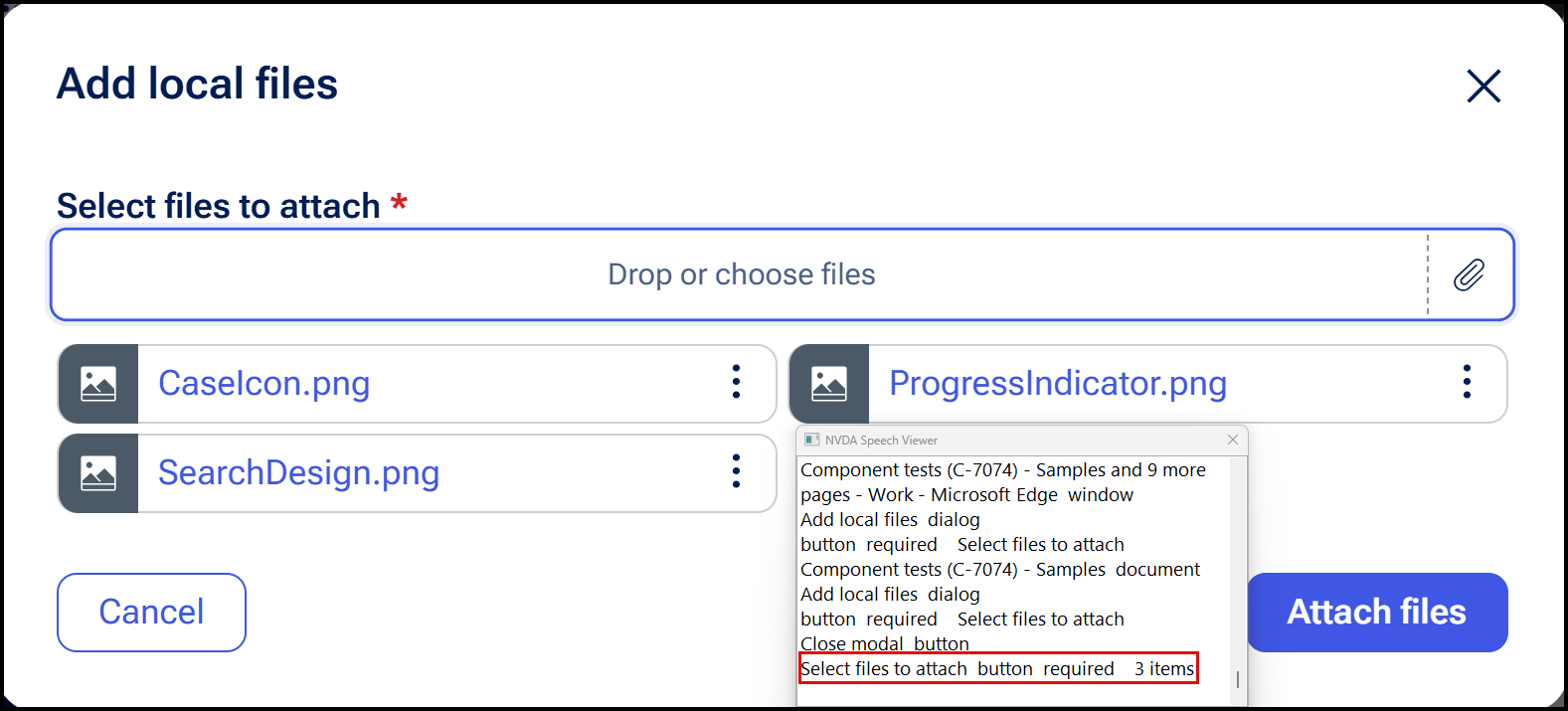
To mitigate this in Platform versions '25.1.3 and '26 onwards, we intentionally hide the <input type="file"> element with display: none; to prevent assistive technology from perceiving the field. Now the user only needs to interact with the upload file button itself, which contains the necessary attributes to relay to assistive technology that attaching a file is required. Additionally, we provide dynamic description text on the button to indicate how many files the user successfully uploaded so far.
Constellation models this design pattern off of UK Government's design system example for file upload, where the input field is not exposed to the user; only the button is.