

When viewing a Constellation work object in the case view or preview panel, the case summary panel begins with an case icon adjacent to the case title heading level 1. This icon is semantically an image that has the aria-label value of "[Case name] - icon".
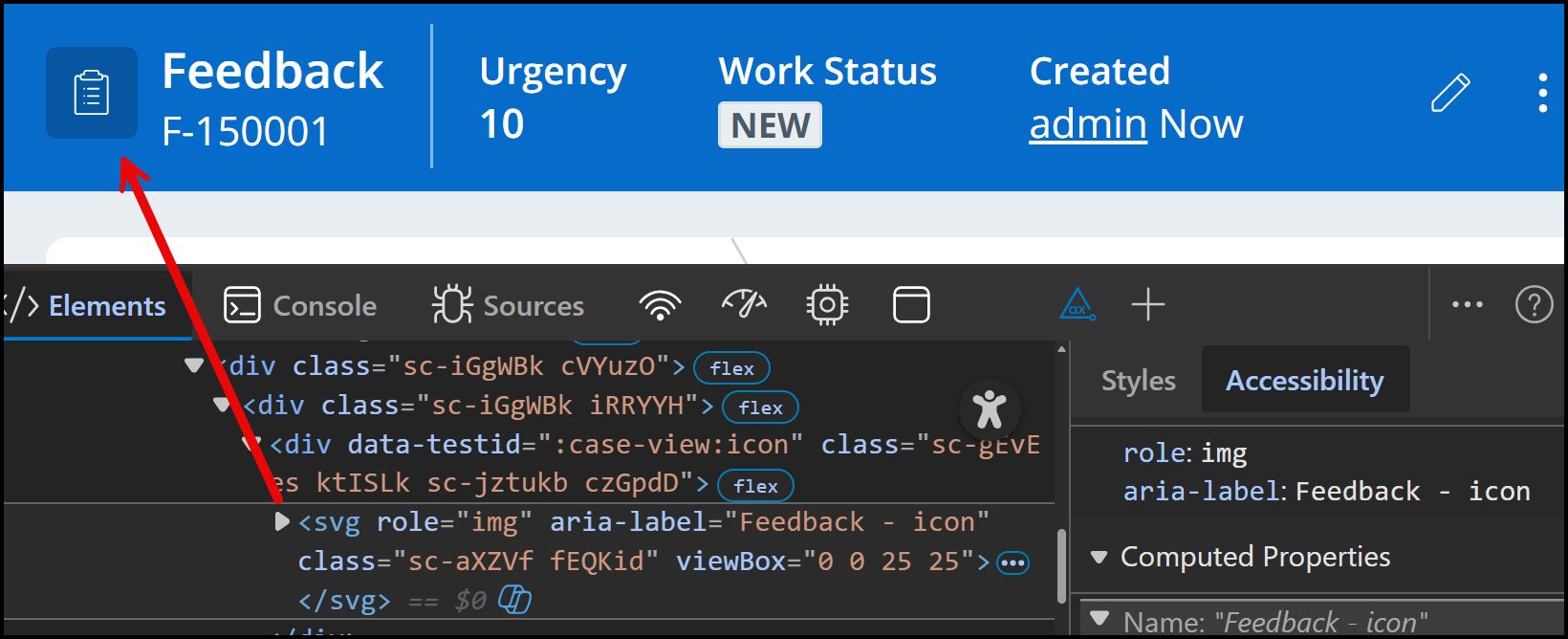
Each case will display a default case icon that can be modified in authoring via the case type's settings. Deciding what the case icon should be depends the type of work object, the workflow, or simply design choice for the overall application. Given its configurability, we expose this image to assistive technologies rather than applying attributes to hide it as decorative. In many instances when explicitly configured, the chosen case icon provides some level of value or information to the user.
Keeping the case icon available to assistive technology maintains a consistent experience for users navigating work object screens or the preview panel, helping to orient them to where they are in a given case screen.