
Discussion

P3Fusion Inc.
IN
Last activity: 4 Dec 2025 7:02 EST
Troubleshooting Pega mashup issues caused by browsers blocking third-party cookies
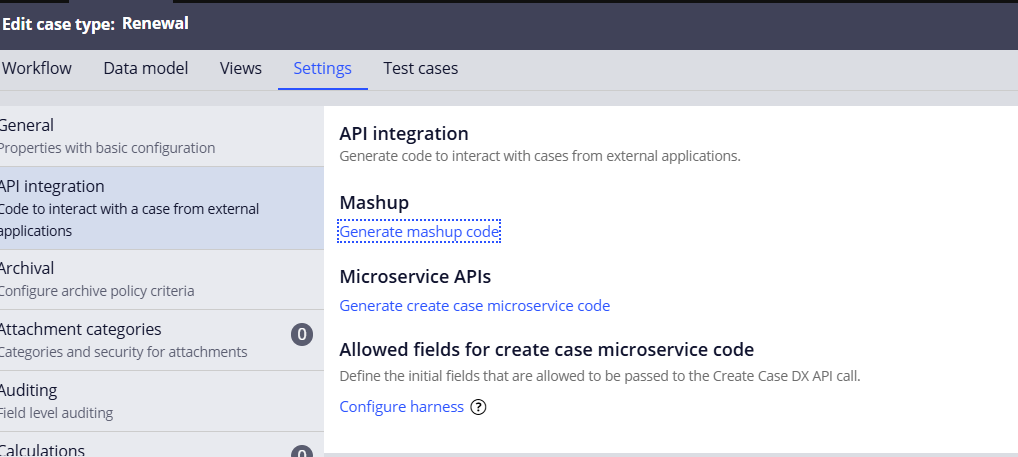
I recently tried using Pega Mashup and followed these steps to obtain the mashup code:
-
Case Type → Settings → API Integration → Mashup
-
I copied the mashup code and placed it inside a simple HTML file between the
<html>and</html>tags.
When I opened the file in the browser, I received the message: “Third-party cookies must be enabled for this mashup.”
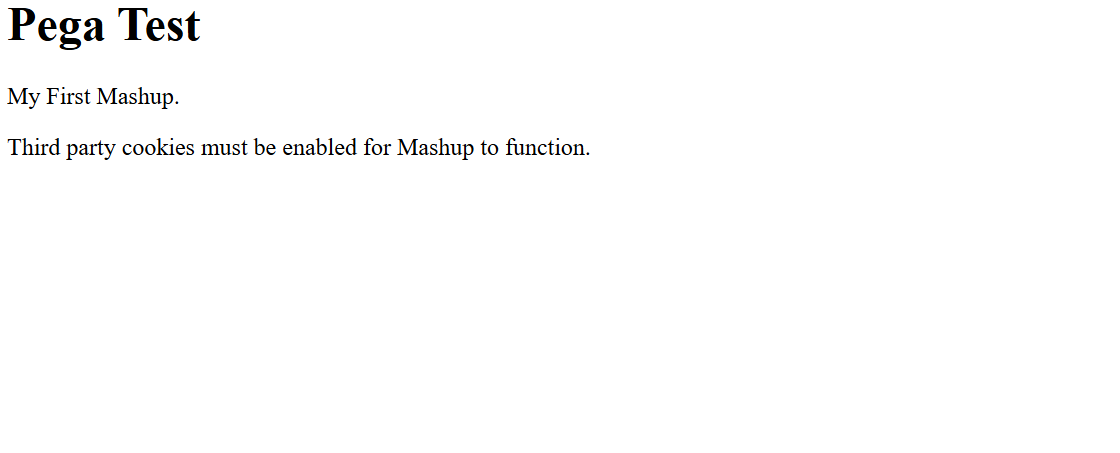
I enabled third-party cookies in the browser, but the issue persisted.
Next, I navigated to:
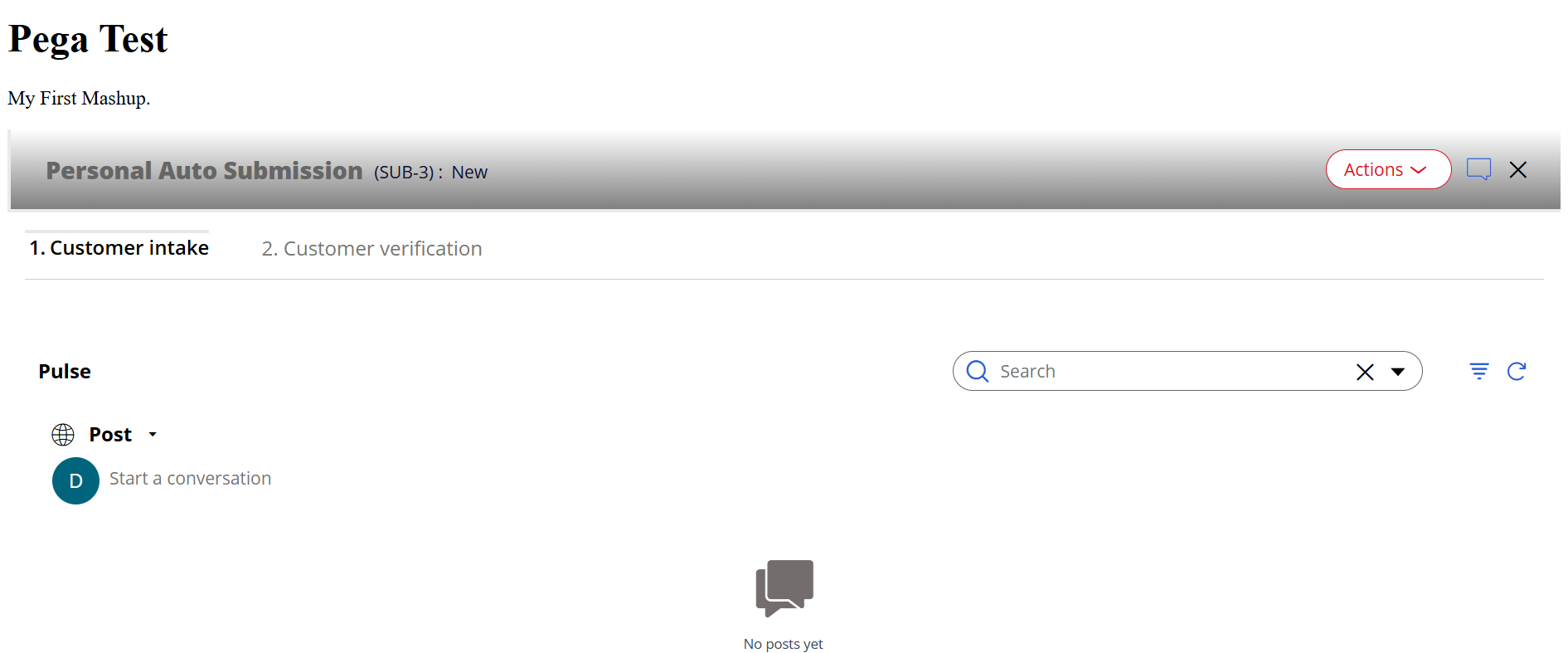
Configure → System → Settings → Cross-Site Request Forgery → Enable SameSite cookie attribute → none
After updating this setting, the mashup started working.

Pegasystems Inc.
GB
@Tharun K T this is also described in our documentation:
Best practices for using mashups
Configuring cross-site request forgery settings
P3Fusion Inc.
IN
@MarijeSchillern Adding those references