
Question
Closed
Solved
How can I add users?
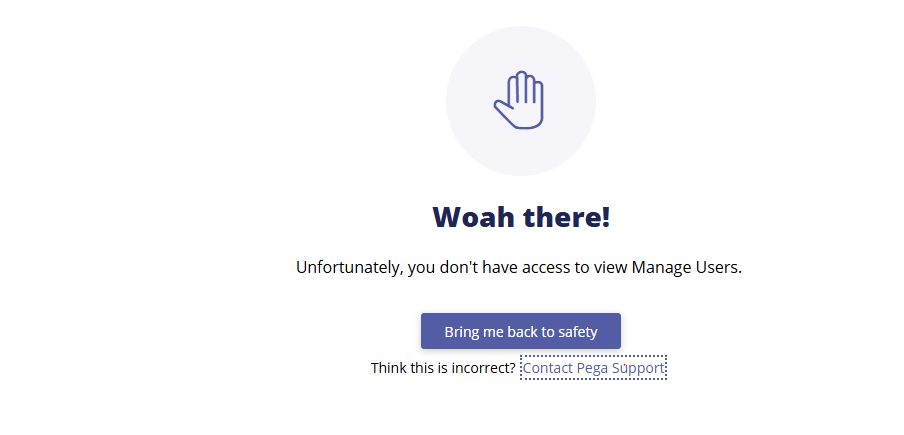
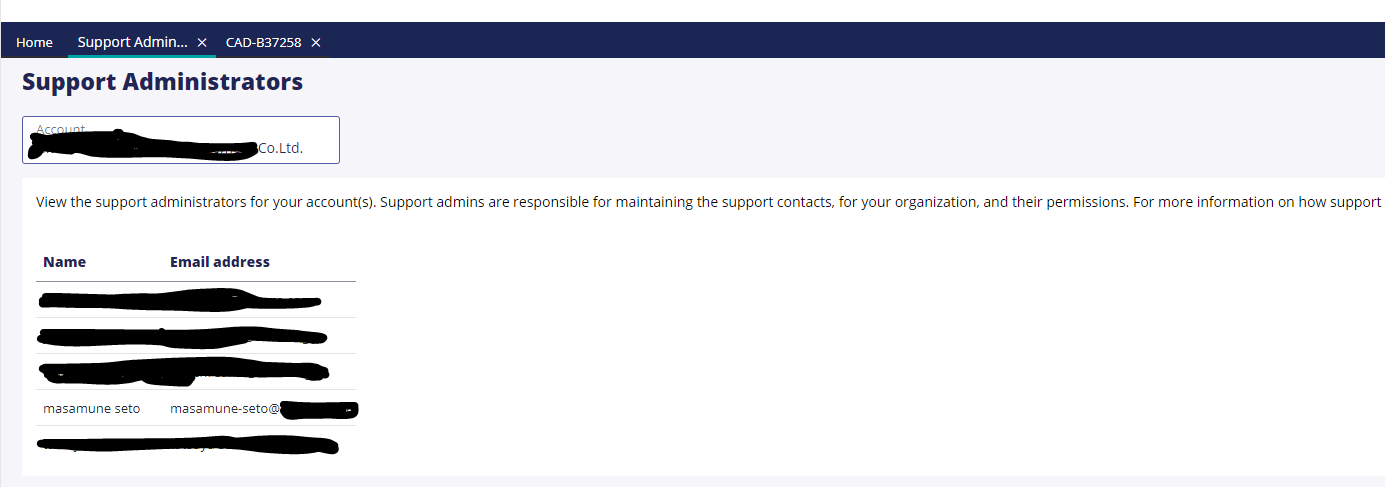
When I click on the "Manage Users" link in MySupportPortal, it says "Unfortunately, you don't have access to view Manage Users." However, when I click on the "Support Administrators" link, it includes me ( Proprietary information hidden) as an administrator. What should I do to add users.? Currently, all members included in the "Support Administrators" are in the same situation as me.
Accepted Solution
Posted: 1 year ago
Updated: 1 year ago
Updated: 21 Nov 2024 6:10 EST

MOD
Pegasystems Inc.
GB
Posted: 1 year ago

Mitsubishi UFJ Kokusai Asset Management
Mitsubishi UFJ Kokusai Asset Management
JP
@MarijeSchillern Thank you for your support. I will try to follow the steps you taught me.
@masamunes as indicated on the MSP FAQ page you may need to contact the Pega Accounts team in order to check the Account priviledges:
The information is available on the My Pega FAQ page under ' Manage Users' section
The Manage Users Overview document contains a detailed list of all available roles and the permissions associated.
You can provide feedback to the MSP development team:
----> Select the Get Help link on the right-hand side of the Home tab. This will bring you to the new landing page containing Frequently Asked Questions.
If your issue is not resolved here scroll down to the Still need help section and select the Contact Us button. This will direct you to the Community Feedback form.
Here you will have the opportunity to Report an issue with My Support Portal.
@masamunes as indicated on the MSP FAQ page you may need to contact the Pega Accounts team in order to check the Account priviledges:
The information is available on the My Pega FAQ page under ' Manage Users' section
The Manage Users Overview document contains a detailed list of all available roles and the permissions associated.
You can provide feedback to the MSP development team:
----> Select the Get Help link on the right-hand side of the Home tab. This will bring you to the new landing page containing Frequently Asked Questions.
If your issue is not resolved here scroll down to the Still need help section and select the Contact Us button. This will direct you to the Community Feedback form.
Here you will have the opportunity to Report an issue with My Support Portal.
This action will raise an issue for the Pega Support application development team, who will respond to your query directly.
You can also contact your account representative, they will complete a ‘Support Account Administration Form' and forward it to [email protected] to be processed. This process is usually completed within 48 hours.