
Solved
Selecting Optimize Code in table setting making existing value empty
Hello,
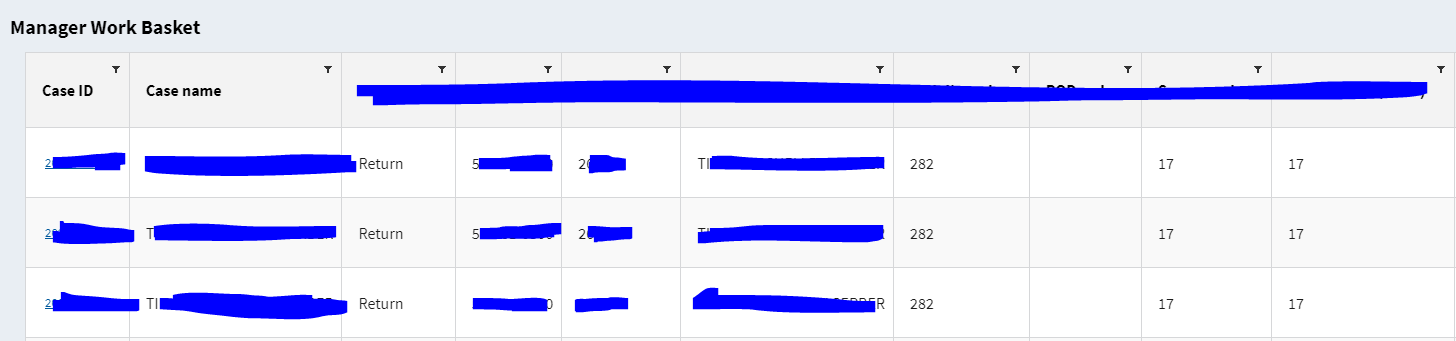
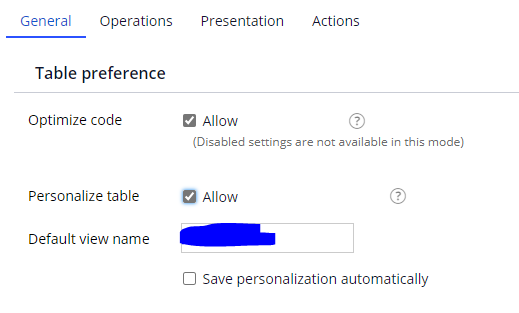
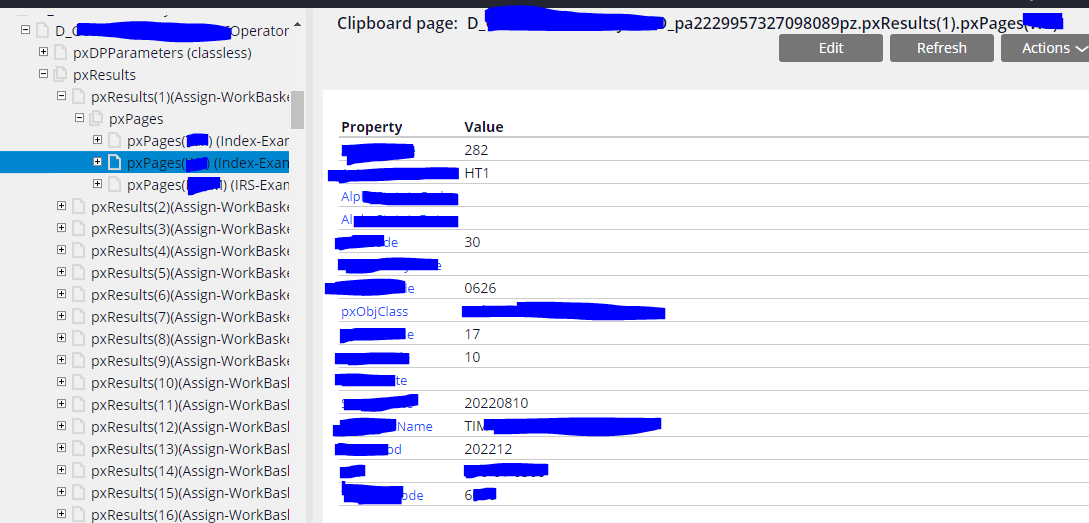
I have a table referencing a data page. When the Optimize Code checkbox unselected, I see the table has a list of value as expected. But once I select the Optimize Code, most of the value are gone (I checked on clipboard, they are still there). Does anyone know why is that and how to fix it? I would love to enable Optimize code function while not interfere with my table value.


***Edited by Moderator: Pooja Gadige to add capability tag***
To see attachments, please log in.
Accepted Solution
Posted: 2 years ago
Updated: 2 years ago
Updated: 3 Aug 2023 11:24 EDT

BAH
BAH
US
It's resolved.
steps:
1. I picked random property from the table and changed the type from Control inherited from property to Text and got this error
2. Add page name and class (see highlighted) and this time pega allowed me to save
3. refresh portal and I see missing values are now populated