Discussion

TechM
TechM
IN
TechM
Posted: Dec 4, 2025
Last activity: Dec 4, 2025
Last activity: 4 Dec 2025 19:58 EST
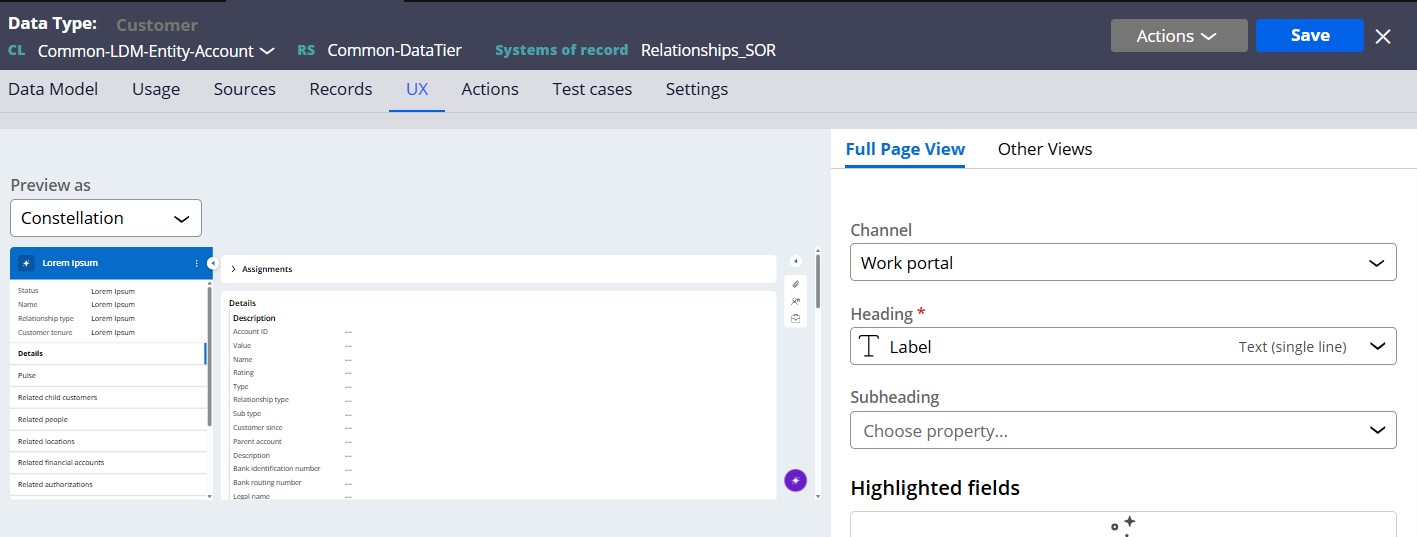
Relevant record error in Full Page view for Common Data model entities (Account/Customer)
We are using 24.1.3 Constellation using Common data Model and during initial stages of development moved to 25.1.1 V by deploying the code to new environment through product files.
Observed the below message in Full Page view of both Account (Customer) and Contact (Person) entities for different properties.
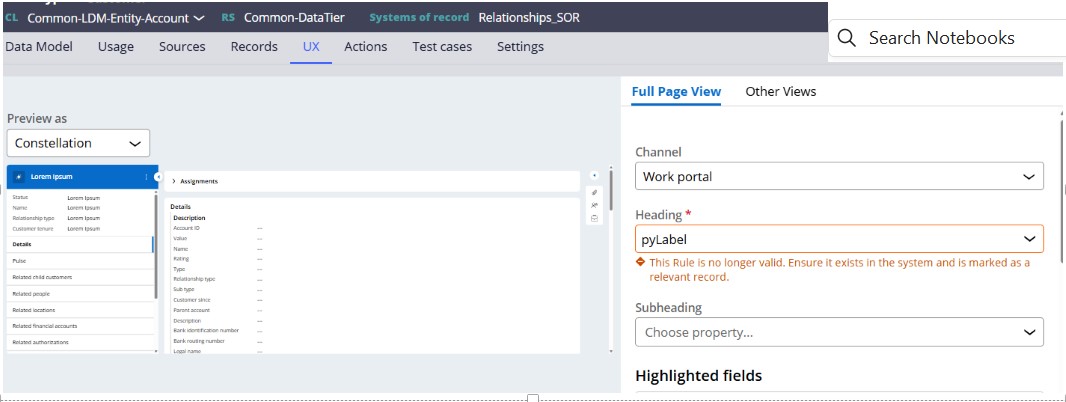
Below is the fix :
Go to Configure menu > Application > Inventory > Relevant records
- Enter Common-LDM-Entity-Account in the class name field.
- Select the options to show inactive records and inherited records.
- In the Type column, filter on Property entries.
- Search for pyLabel, confirm it's active, and check the class in the 'Marked relevant at' column.
- Delete the Data-Tag-RelevantRecord instance, log out and back in to reload the data page, and then add the relevant record again.
- To add relevant record again , On the Relevant Records landing page, select the entity class and then click on the 'Add records' button to re-add the pyLabel property.
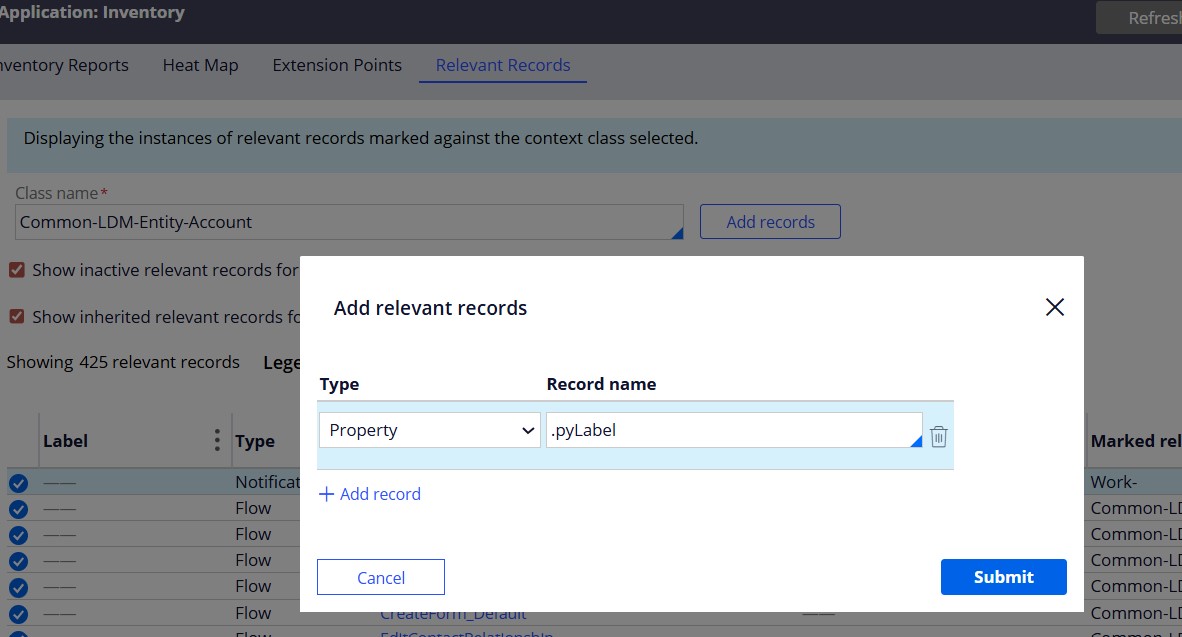
After following the steps message from Full Form view disappears